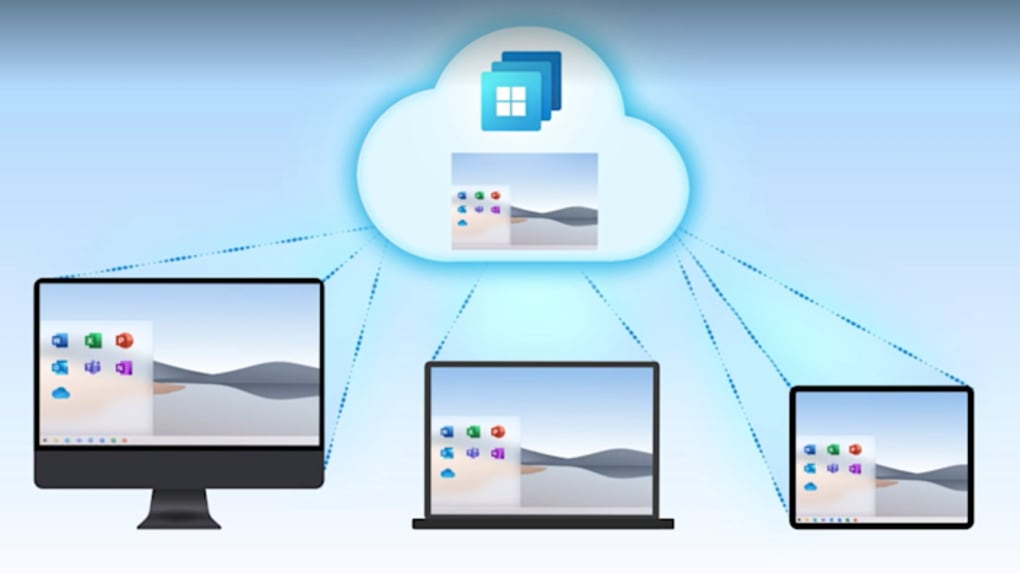
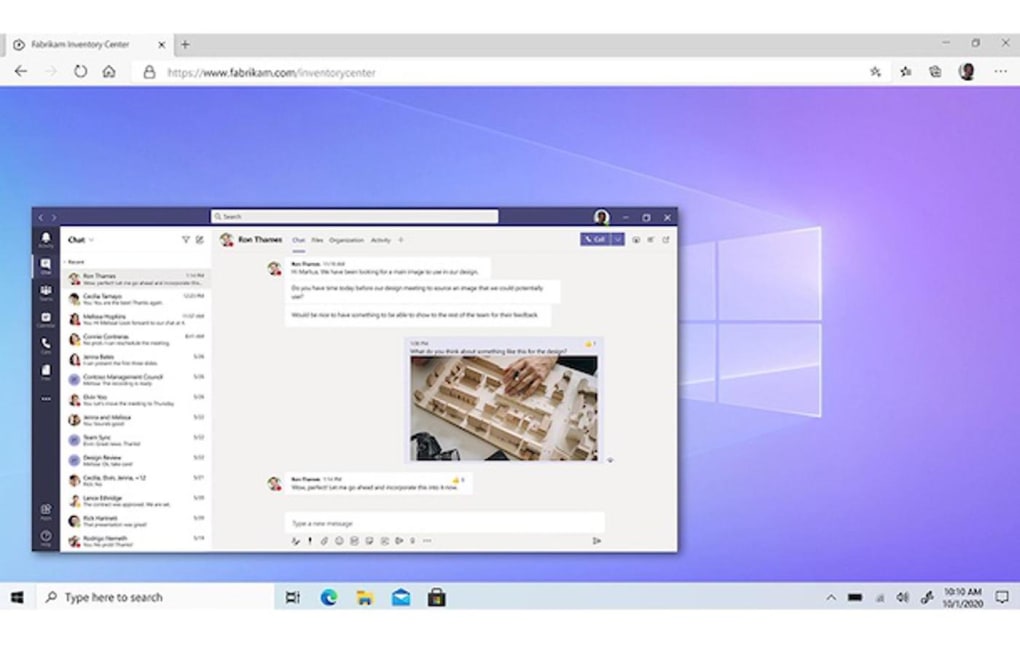


Work in the cloud with this service Windows 365 Cloud PC is a backup and cloud storage service that enables you to easily use the Windows operating system on any device —wherever you may be. Developed by Microsoft, this is technically a streaming service that offers a whole OS rather than a media file or program. With Windows 365 Cloud PC, you are able to access OS such as Windows 10 and Windows 11 on different devices and get back to work seamlessly between them.
You only need a browser or Microsoft’s Remote Desktop app in order to start using it. Fits all sizes Cloud services and application streaming aren’t new features to major brands and developers. The potential fast speeds and lack of any data space required on devices are quite appealing and some from the gaming industry—such as NVIDIA GeForce NOW and Stadia —have even focused on this to prove that it’s a lucrative idea for a lot of users.
In terms of PC programs, streaming from the cloud allows for instant access . This is Windows 365 Cloud PC’s main appeal , as you can work on one device , switch to another , and be able to access the work you left behind. Everything installed on your desktop—apps, data, and settings— will show up regardless of the storage size and online speed of your device.
In this regard, you can typically use tablets and smartphones as your on-the-go PC while away from your home desktop and laptop. The brand and default OS of your device doesn’t matter either. This service uses virtualization and remote access to set up a hybrid PC—making it quite easy to collaborate with team members.
Take note that this is primarily for businesses due to the nature of its features. You can avail of it via a monthly subscription and can choose between two editions : Business and Enterprise. Only for commercial use All in all, Windows 365 Cloud PC is a great alternative to virtual desktops if you want more flexibility in how your business operates.
While it’s not available for personal use, the handy features you get are enticing enough for those dealing with remote work and constant traveling for business affairs. If you require a lighter cloud service that’s easy on your device, this is a highly recommended option.



.png)



